The FRAMR. Player app transforms your Android device into a full-fledged digital signage solution in just a few seconds. Whether it’s a tablet, TV, or dedicated Android display — you decide which hardware to use. Once launched, the app reliably stays in the foreground, even after a device restart, ensuring a distraction-free presentation mode. Ideal for using FRAMR. quickly and easily.
The advantages at a glance:
- Easy to use: Quick to install and ready to use right away
- For various devices: Works on tablets, TVs, or any compatible Android device
- Runs automatically: Remains reliably in the foreground after reboots
- Get started with FRAMR.: Perfect for testing the FRAMR. system
- Free to use: maximum flexibility without additional hardware in a FRAMR. Player where you can play your content.
You can download the FRAMR. app for free and get started right away. This makes it the easiest way to test the FRAMR. system*.
* Performance depends on the Android device used. For optimal performance and reliability, we recommend one of our optimized FRAMR. Players.
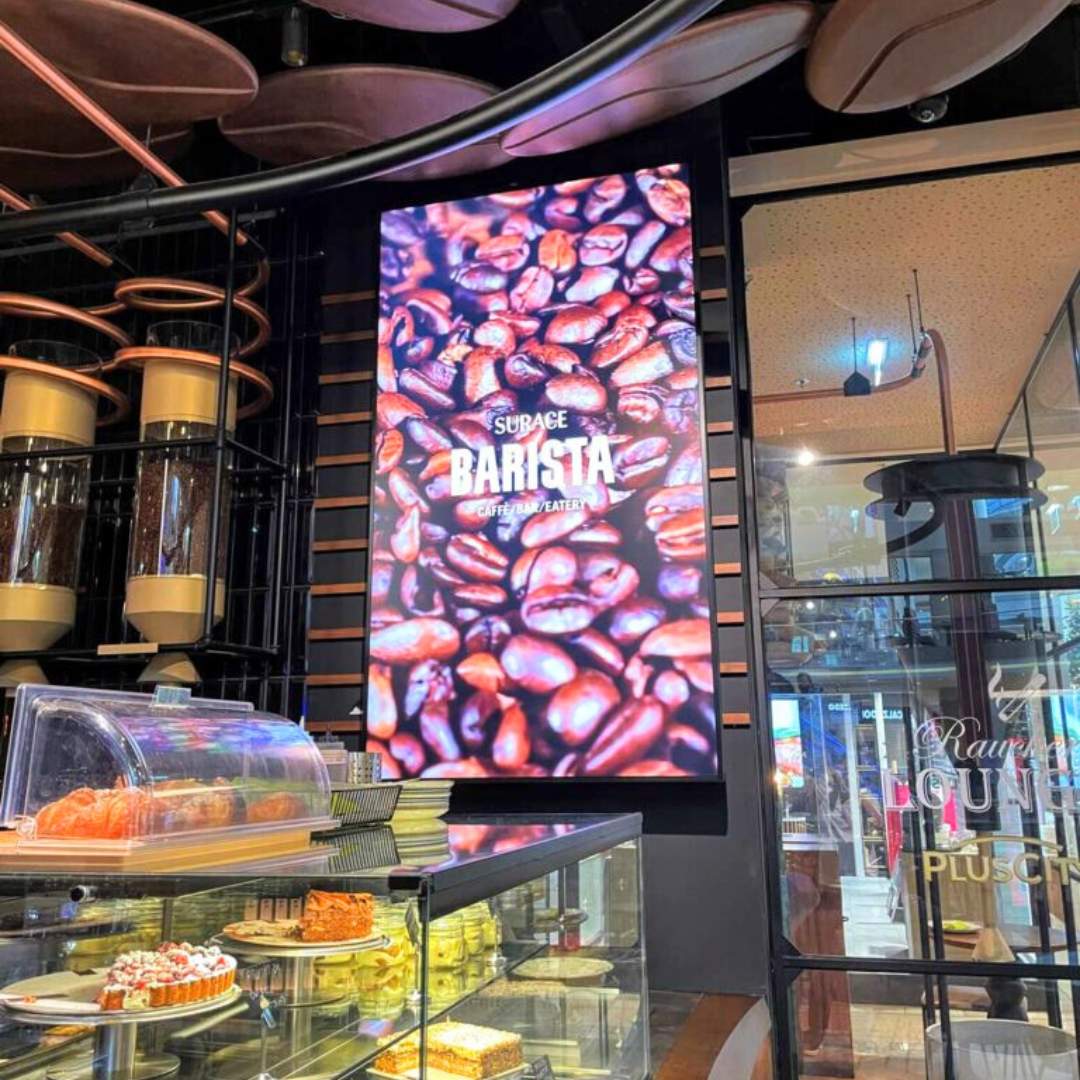
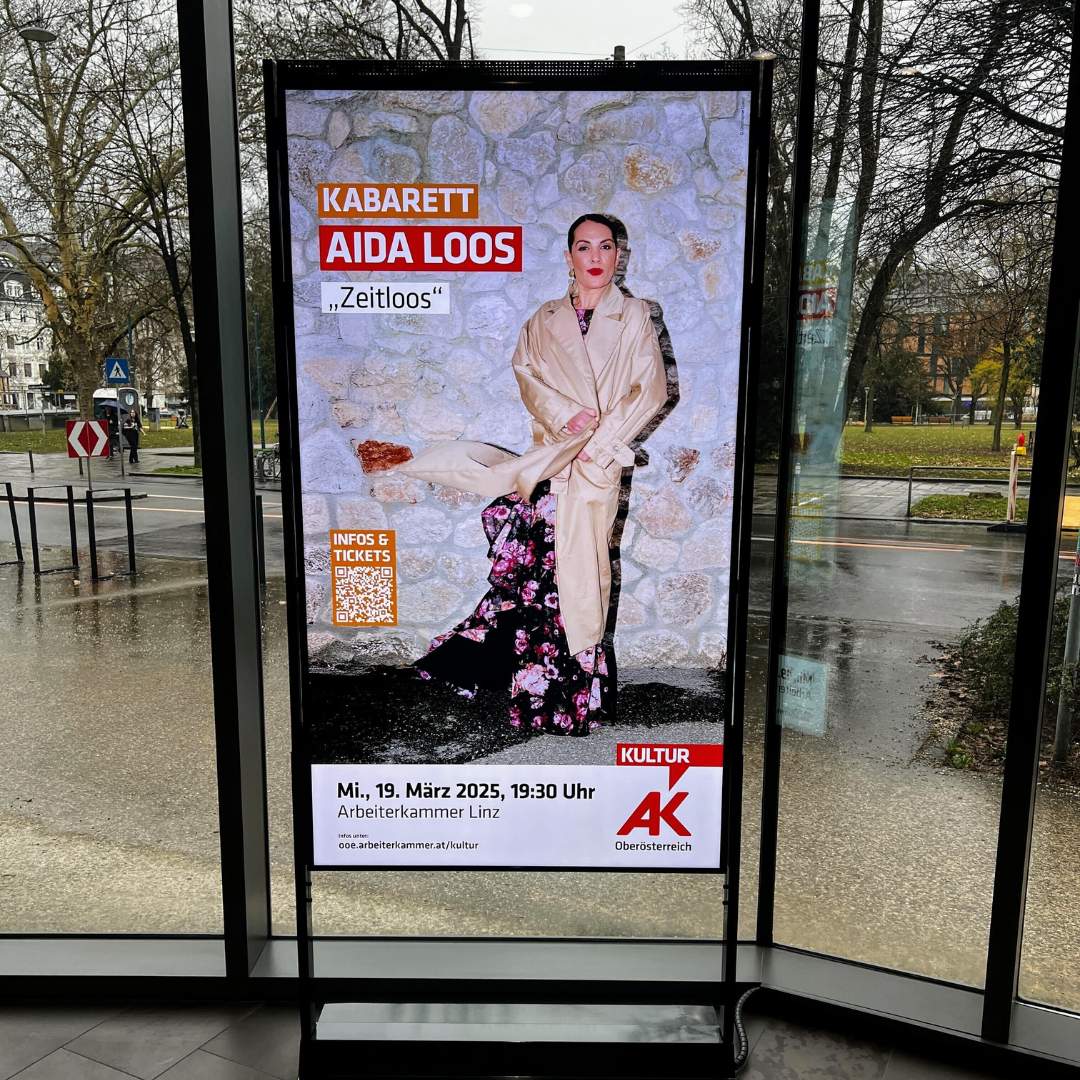
A double-sided 75-inch display was installed at the AK Linz, which is clearly visible even from outside.
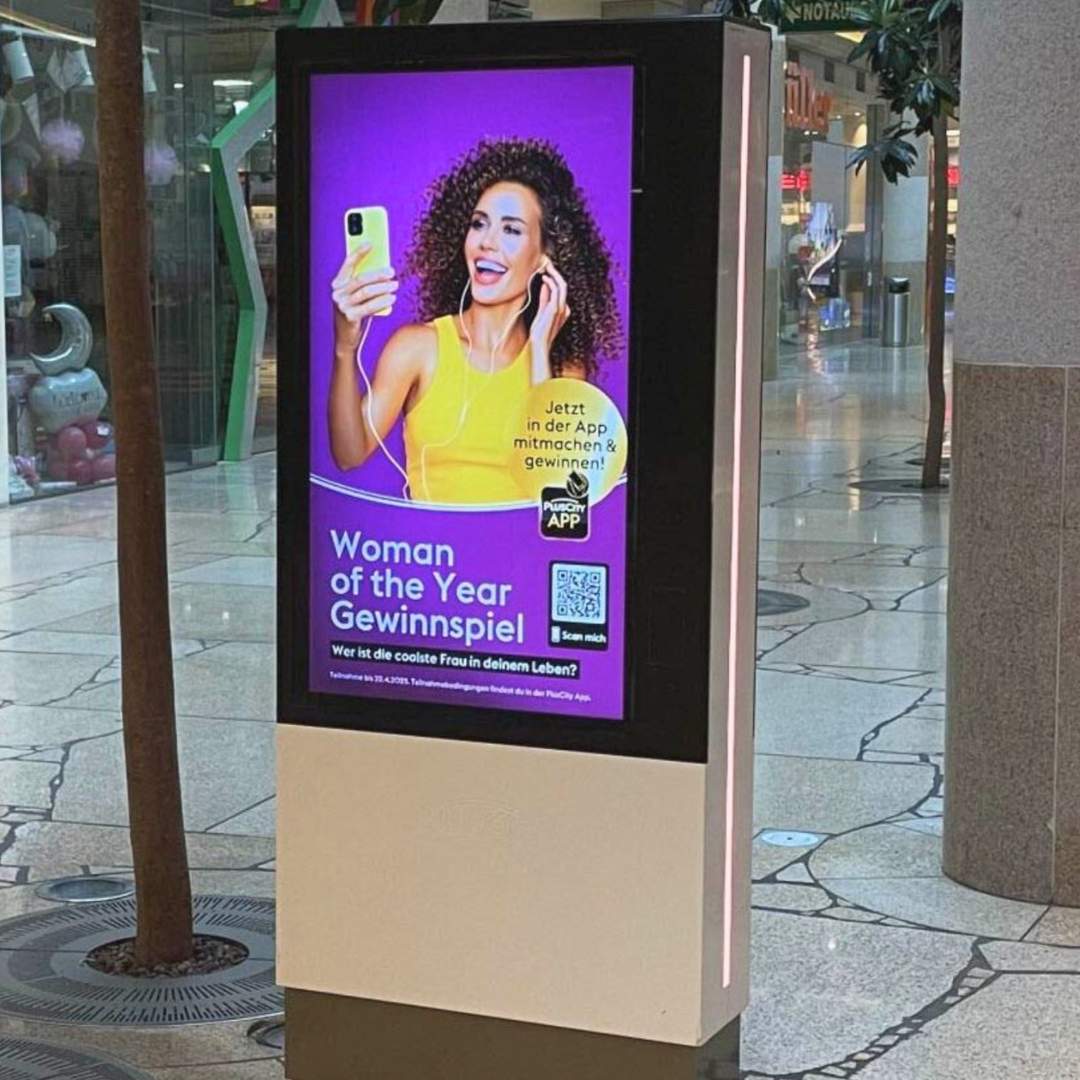
PlusCity uses FRAMR. Player in a variety of ways, primarily for product and event advertising.
Technical details
Host Operating System
Requires Android OS (v5.0)
Warranty
5 years
Output channels
The FRAMR.Player can control the following device types.

Monitor