
FRAMR. Cockpit: Overview of security, rights and administration
The FRAMR. Cockpit runs background processes that are essential for security, administration and user collaboration. Below, we summarize the most important of these functions.
Security and GDPR
For added security, you can optionally enable multi-factor authentication using an authenticator app or a passkey. Additionally, FRAMR. is resilient to outages and GDPR-compliant.
You can find more information about FRAMR.’s security here.
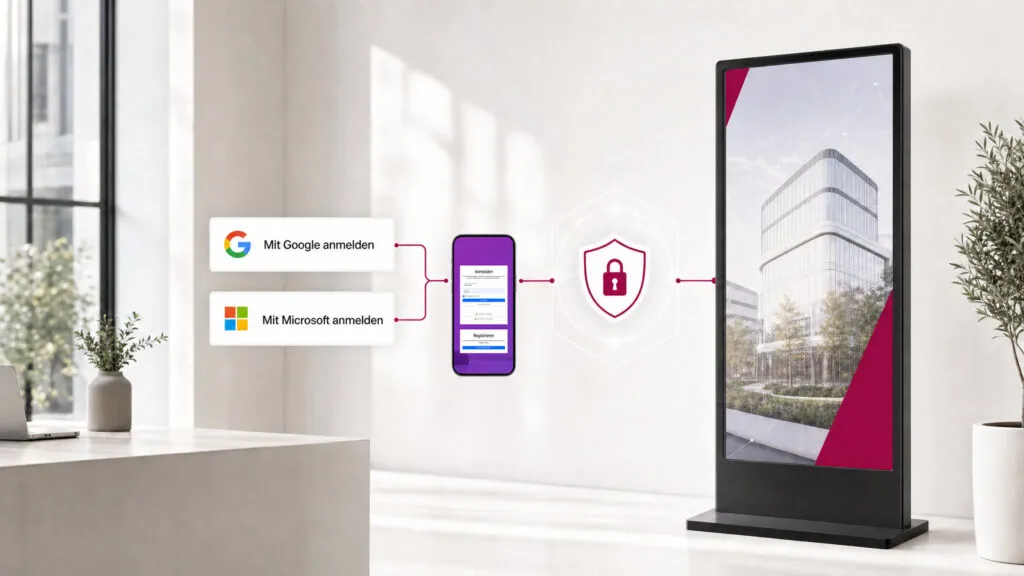
Login option with Microsoft Entra or Google accounts
The FRAMR. Cockpit supports logging in with existing Microsoft Entra or Google accounts — users log in with their existing credentials without having to manage an additional password for FRAMR. This simplifies onboarding, and FRAMR. integrates seamlessly into existing work environments.
Permissions & collaboration
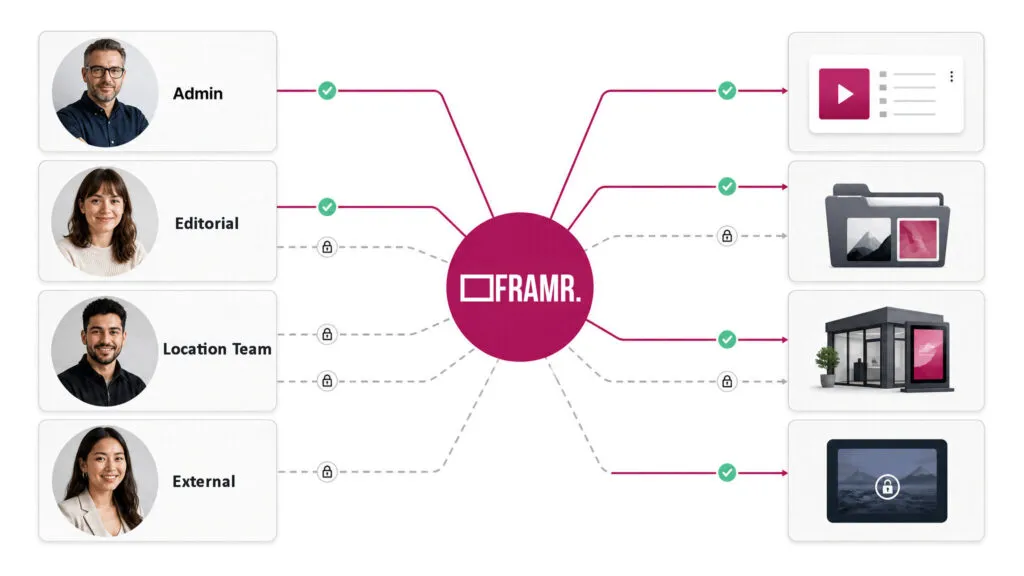
Permissions can be freely defined for different areas and playlists. This allows multiple teams or departments to collaborate in the same Cockpit without anyone accidentally working on someone else’s content. An agency managing the Cockpit for multiple clients can thus grant each team exclusive access to its own playlists.
Licenses & invoices
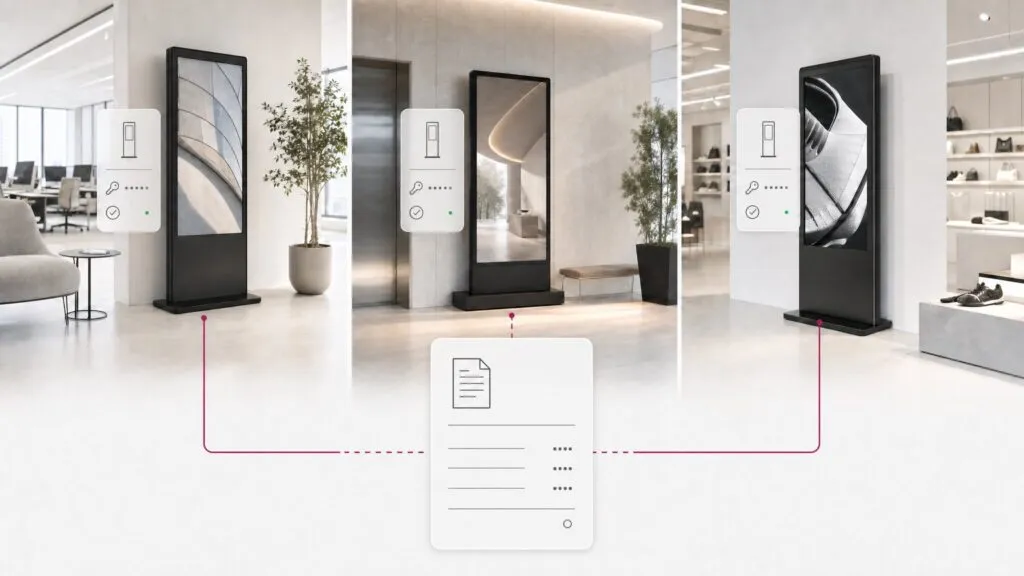
In the Licenses & Invoices section, you have an overview of booked players, available services and invoices. Invoice line items can be listed with the player name and corresponding tax information, ensuring costs can be clearly assigned — plus, all invoices are issued in compliance with EU regulations. Sales tax is automatically calculated when a license is booked.
Monitoring
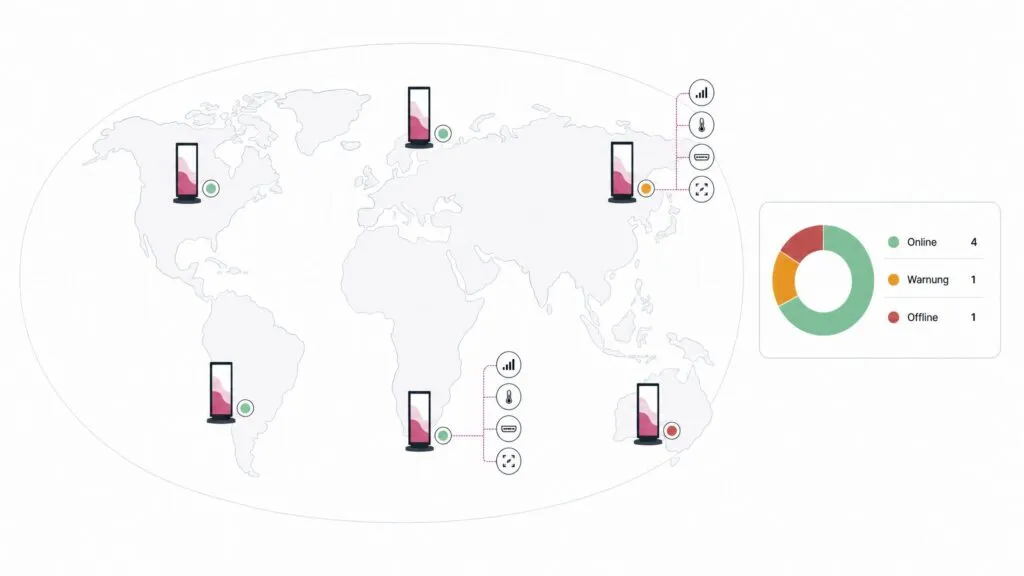
In addition to standard online/offline monitoring and hardware monitoring (reboots, storage space, temperature), the Cockpit also issues a warning if an HDMI cable is unplugged. Network speed and data traffic are included as sensor data; screenshots of individual players can be accessed directly in the Cockpit; and the offline synchronization status of files on the player — including any error messages — can be viewed.
Player remote control & device actions
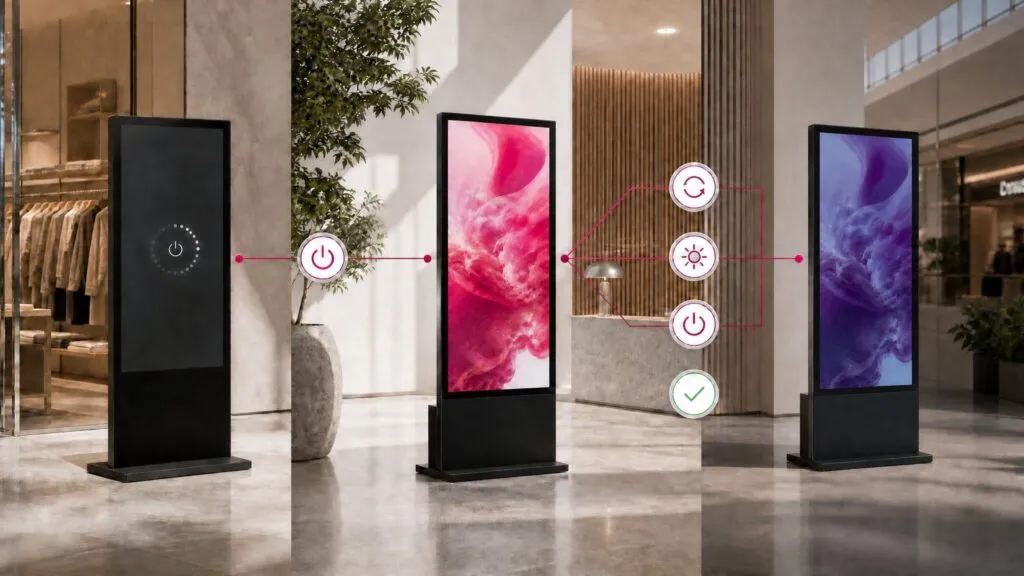
Player commands can be triggered independently of playlists, such as CEC, RS232, UDP or TCP commands, as well as a remote reboot. You can use this to selectively turn displays on and off to save energy. Additionally, the Cockpit supports HTML5 players on LG Smart Displays and BrightSign hardware.
Multilingual application
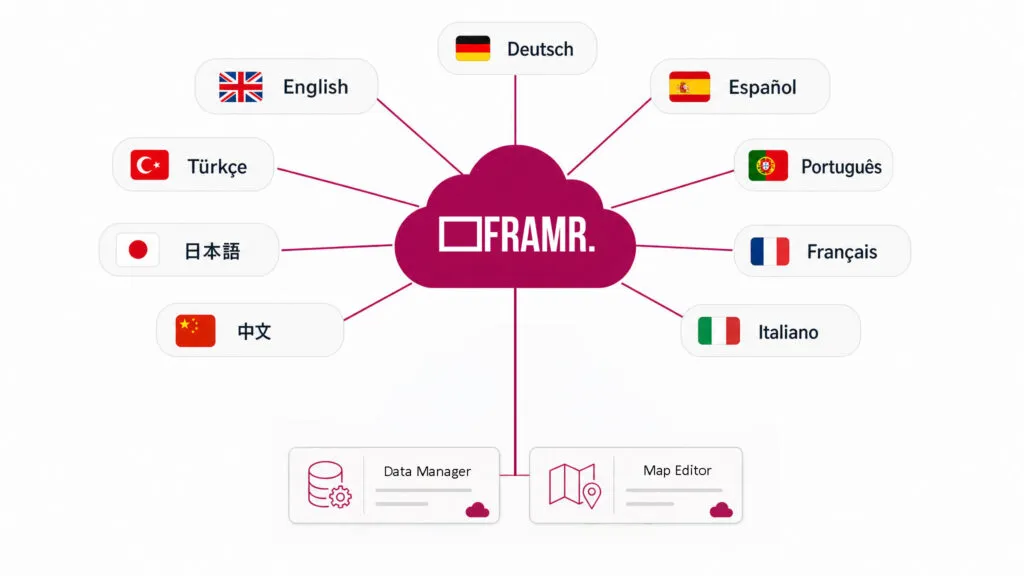
FRAMR. is available in 9 languages: German, English, Spanish, Turkish, Arabic, Japanese, French, Chinese and Italian. Using the multilingual data and map editor integrated into the FRAMR. content management system, you can manage content in any language — learn more on our pages about the Data Manager and Map Editor & Directory.
FAQ
Frequently asked questions about our solutions.
Yes, the FRAMR. Cockpit supports direct sign-in using existing Microsoft or Google accounts. Additional user management is not required, which significantly simplifies the implementation of FRAMR. within the company.
Yes, users can work simultaneously and permissions can be granted at a granular level — down to the workspace, playlist or data type.
The Cockpit automatically reports both as warnings in the monitoring system, so that failures are quickly detected and aren’t only noticed once a display has been blank for an extended period of time.
Yes, LG Smart Displays and BrightSign hardware can also be integrated via HTML5 support*.
*Depending on the provider, not all features may be compatible with or available in the FRAMR. HTML5 Player. If you have any questions, please contact us.
Through training sessions and/or onboarding phases, our customers learn the basics of using FRAMR. within a few hours. In addition, every customer has free access to the help desk (help.framr.tv) for usage instructions. Upon request, we can provide support, including content creation.
As part of the FRAMR. Service Level Agreement (SLA), we offer tiered support and response times tailored to the specific service agreement. In the event of a problem, our support team is quickly available and begins analyzing and troubleshooting the issue within the agreed-upon response time.
Would you like a clear assessment of how you can use digital signage?
No sales pitch, just an assessment: What are your goals, what does your current setup look like and what are the challenges? Based on our experience from numerous projects, we’ll tell you — with no obligation — what makes sense for your specific use case.

Lukas Aumair
CEO & sales

Pascal Kreilhuber
Sales

Clemens Stübler
Sales

Michael Thalmann
Sales