
Design Studio: Create designs for the FRAMR. Cockpit
For every ad slide, you have to open an external graphics program, export the file, upload it — and then start all over again the next time you make a change. FRAMR. Design Studio eliminates this detour, because you design layouts directly in the FRAMR. Cockpit. And what you see in the editor is exactly what plays on your player, including animations.
FRAMR. Design Studio: Features at a glance
Your designs stay in the Cockpit
The visual editor runs directly in your browser, without any separate software. You edit content and the result is saved as a layout and displayed on the player with pixel-perfect accuracy. This means there are no discrepancies between the design and how it appears.
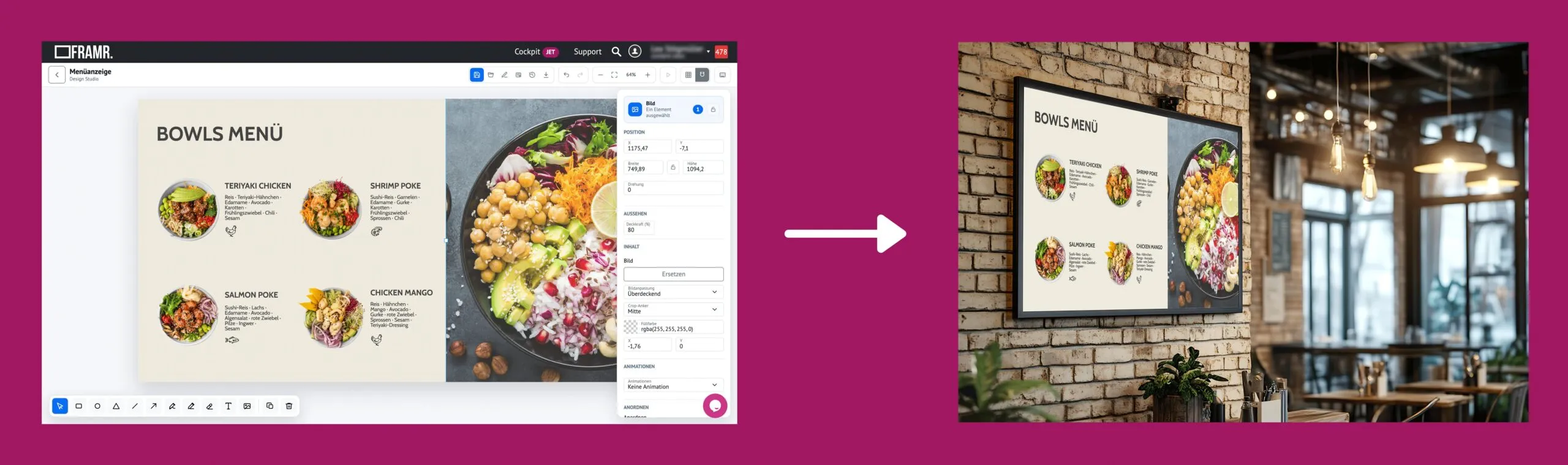
Format text and images as usual
Text fields can be freely formatted — font size, alignment, style — even using your own custom fonts instead of just standard ones. You can insert images directly from your file manager; they’re automatically linked, stored locally and loaded offline if needed, rather than appearing blank in case of an error.
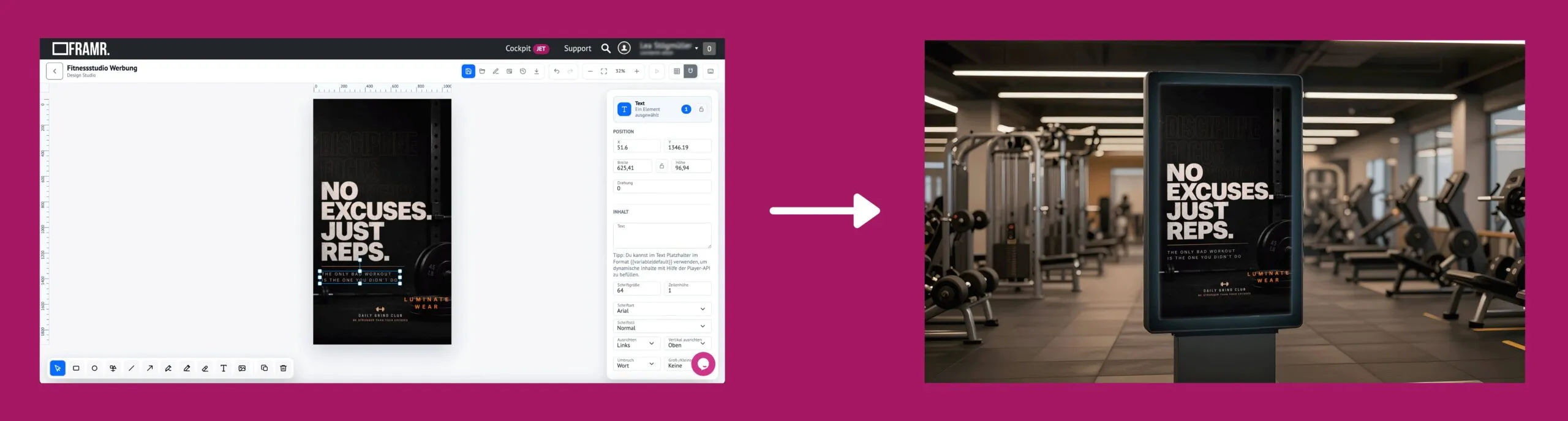
Detailed content editing
Grids, Snap-to-Grid and smart guides help with precise alignment, even when working with multiple elements at once. Completed areas can be locked to prevent accidental movement — and with Undo/Redo steps, you can return to a previous state in your design process at any time without having to start over.
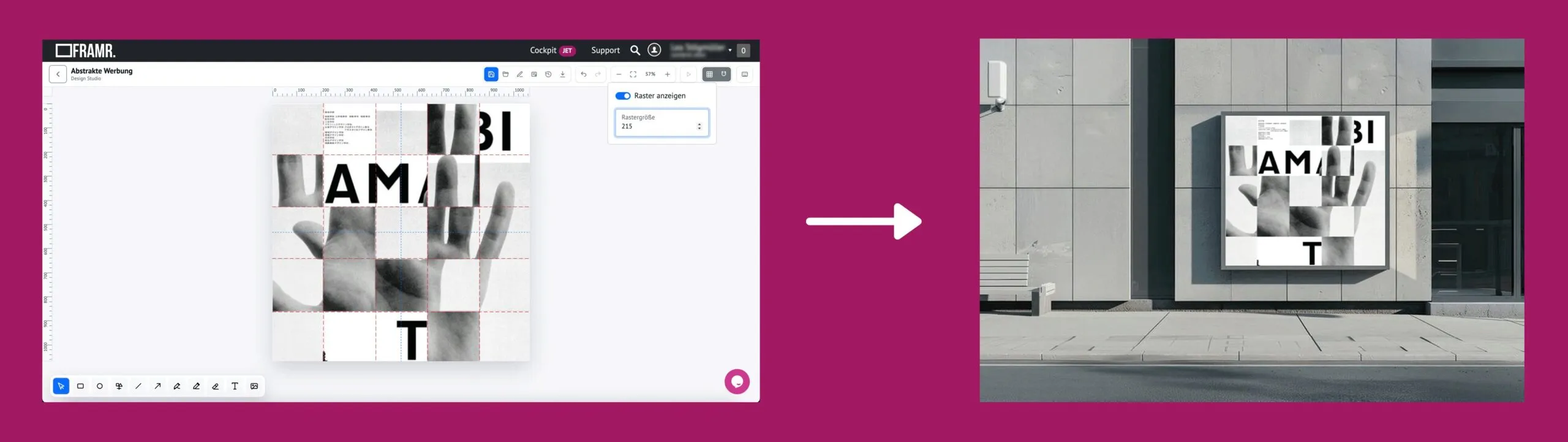
Animations with no extra effort
Elements can be animated — for example, with bounce, pulse or motion effects — without having to render or upload a video. You can adjust speed, delay and repetition directly in the editor.
Always Up-to-date content thanks to live data
Text fields can be created as placeholders that automatically populate with current values — such as a greeting, a status or a live value that updates via the player interface. A default value is used as long as no current data is available.
Export as PNG/JPG
Created designs can be exported as PNG or JPG files so that graphics from FRAMR. can be used elsewhere.

FAQ
Frequently asked questions about our solutions.
Our software is hosted in the cloud to enhance reliability and ensure 24/7 continuous operation. In addition, our digital signage solutions comply with GDPR requirements. You can find more information here.
No, and that’s not the goal either. Design Studio isn’t meant to replace external tools; it’s designed for creating signage content directly within the platform: You no longer have to create a layout externally, export it and upload it — everything stays within the Cockpit, including features like live data that an external tool simply couldn’t replicate. Of course, you can still use Canva or Photoshop for content creation!
The player automatically skips invalid layouts or a missing runtime without affecting the rest of the playback. Images are stored and loaded offline, which makes them load quickly.
Yes, the display scales responsively to fit the player area as desired. The aspect ratio is maintained and the content is centered.
With FRAMR., you can create design templates for clients and other slides — in your corporate branding, if desired.
Would you like a clear assessment of how you can use digital signage?
No sales pitch, just an assessment: What are your goals, what does your current setup look like and what are the challenges? Based on our experience from numerous projects, we’ll tell you — with no obligation — what makes sense for your specific use case.

Lukas Aumair
CEO & sales

Pascal Kreilhuber
Sales

Clemens Stübler
Sales

Michael Thalmann
Sales