
FRAMR. Digital Blackboard: Your data-driven information board
A Digital Blackboard transforms structured content into an interactive information board with customer-specific content and designs. Ideal for companies that want to manage content centrally and present it on displays.
Your benefits with FRAMR.:
✓ 30 years of experience, 2,000+ installations.
✓ Made in Europe, hosted in Europe — full GDPR compliance.
✓ 3-year warranty.
✓ No vendor lock-in, available in 9 languages.
✓ Scalable, automatic updates — support included.
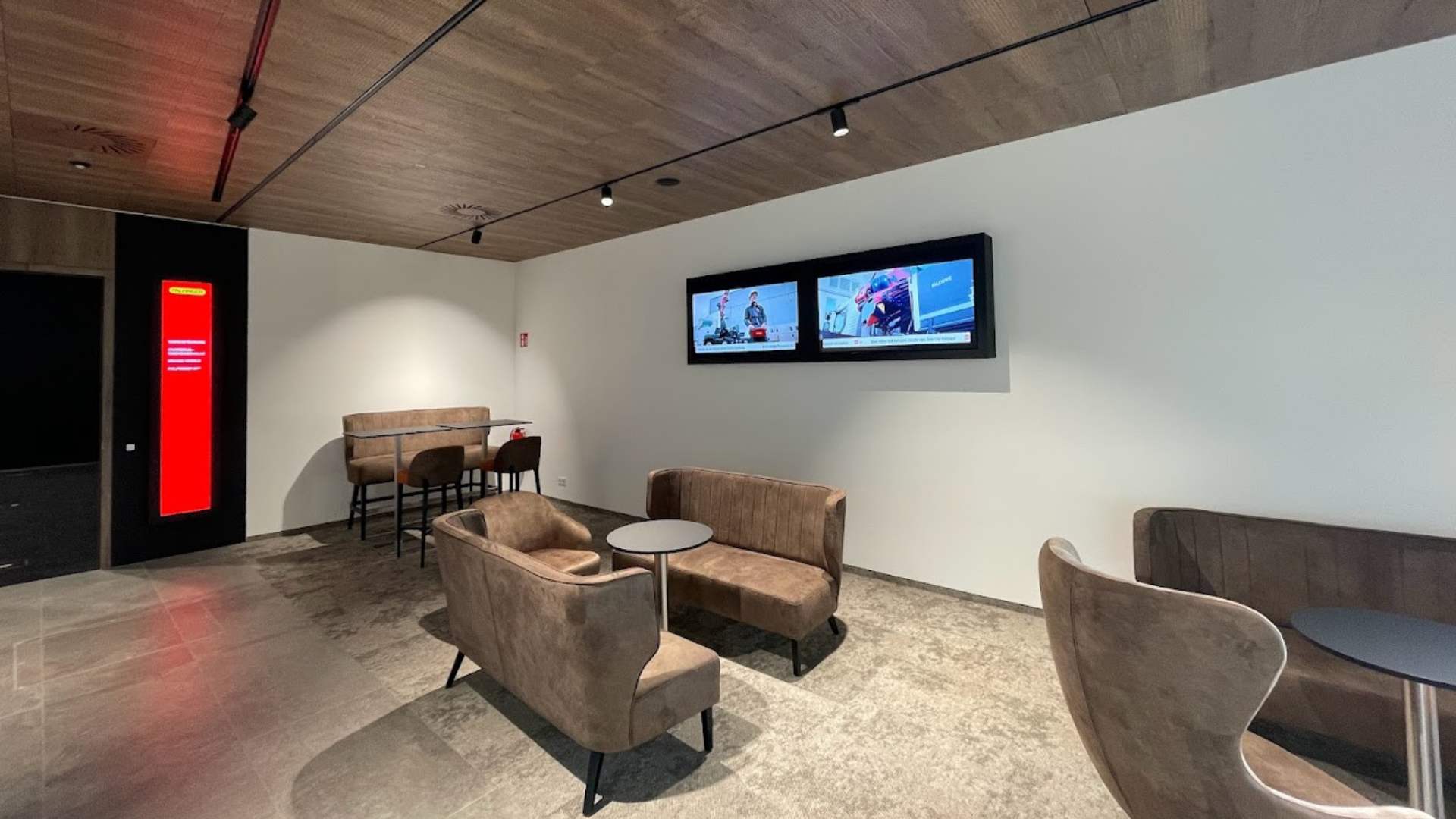
FRAMR. Digital Blackboard: Your data-driven information board
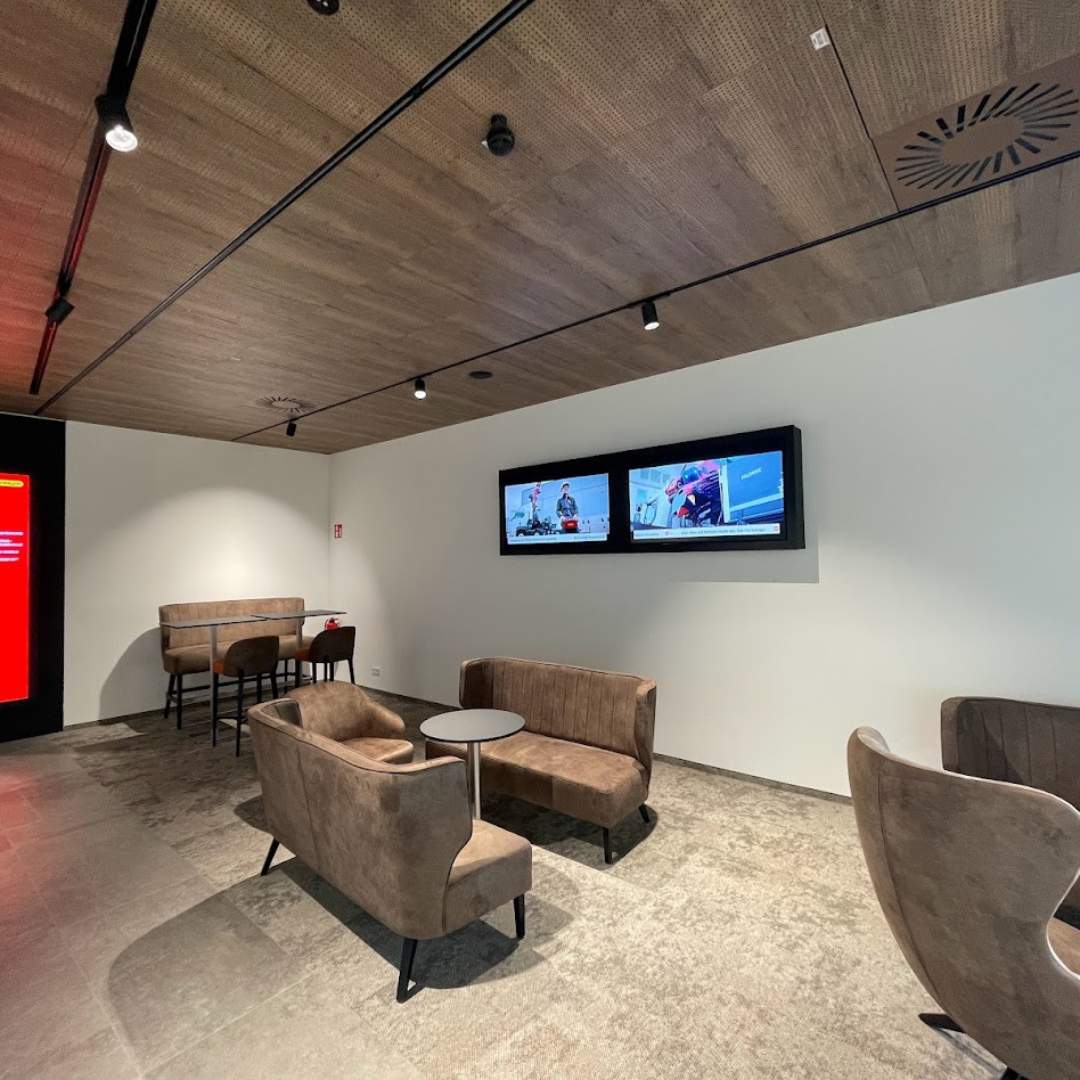
A Digital Blackboard transforms structured content into an interactive information board with customer-specific content and designs. Ideal for companies that want to manage content centrally and present it on displays.
Your benefits with FRAMR.:
✓ 30 years of experience, 2,000+ installations.
✓ Made in Europe, hosted in Europe — full GDPR compliance.
✓ 3-year warranty.
✓ No vendor lock-in, available in 9 languages.
✓ Scalable, automatic updates — support included.
Why FRAMR. Signage?
FRAMR. Digital Blackboard: Your benefits in detail
Update content in real time
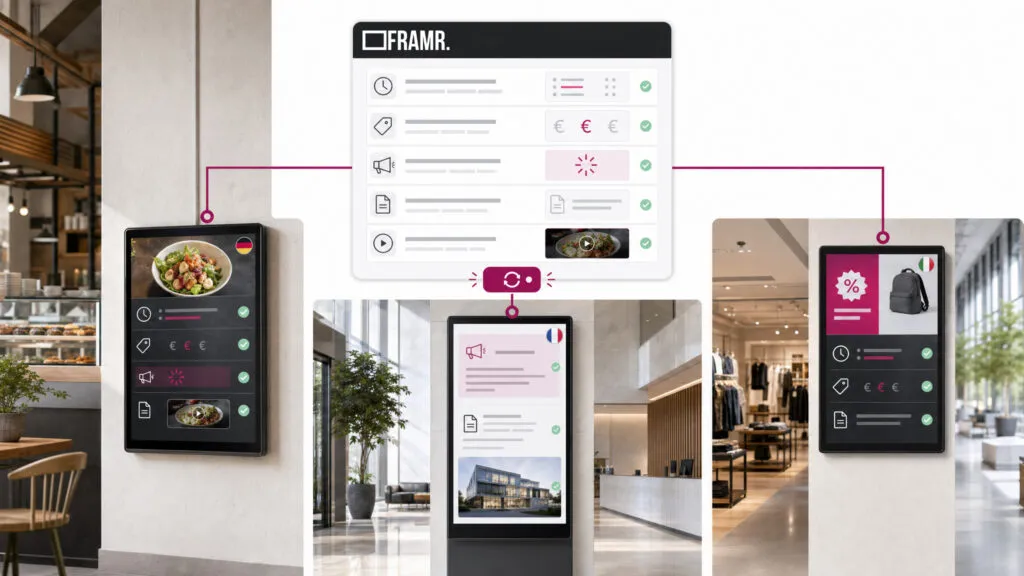
Entries on the Digital Blackboard come directly from the FRAMR. Data Manager. When you update PDFs, hours of operation, prices or announcements, the information is immediately updated in real time on all connected boards. And if you have multiple locations, each board automatically displays the content in the appropriate language.
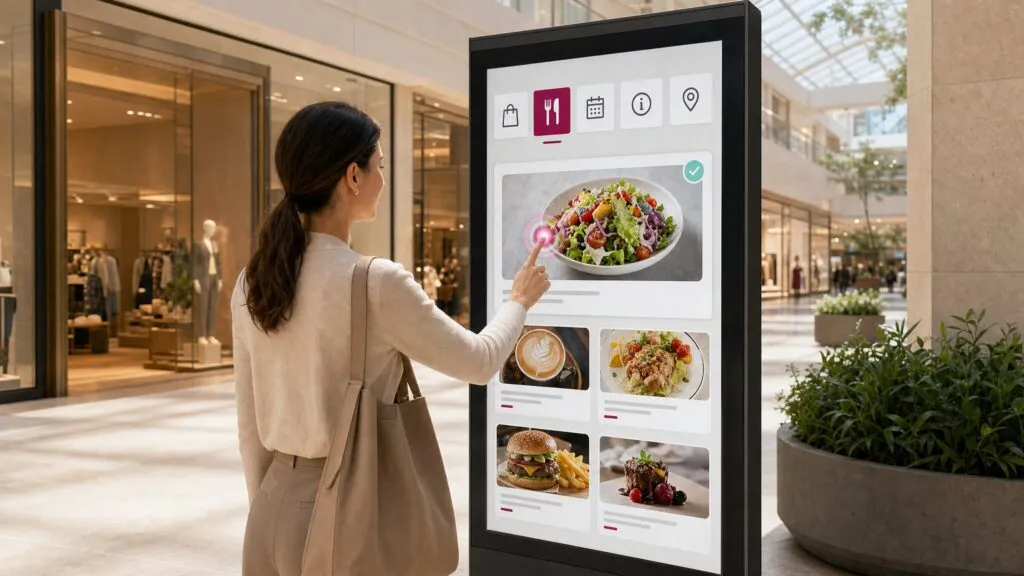
Visitors choose content themselves
Using a freely positionable menu bar, visitors can independently switch between topics — whether it’s an overview, a single entry or a linked page. The user interface is intuitive and easy to use.
Offline functionality
FRAMR.’s Digital Blackboard works even without a continuous internet connection. In case of connection issues, the application remains reliable and does not disrupt operations.
Content areas with automatic updates
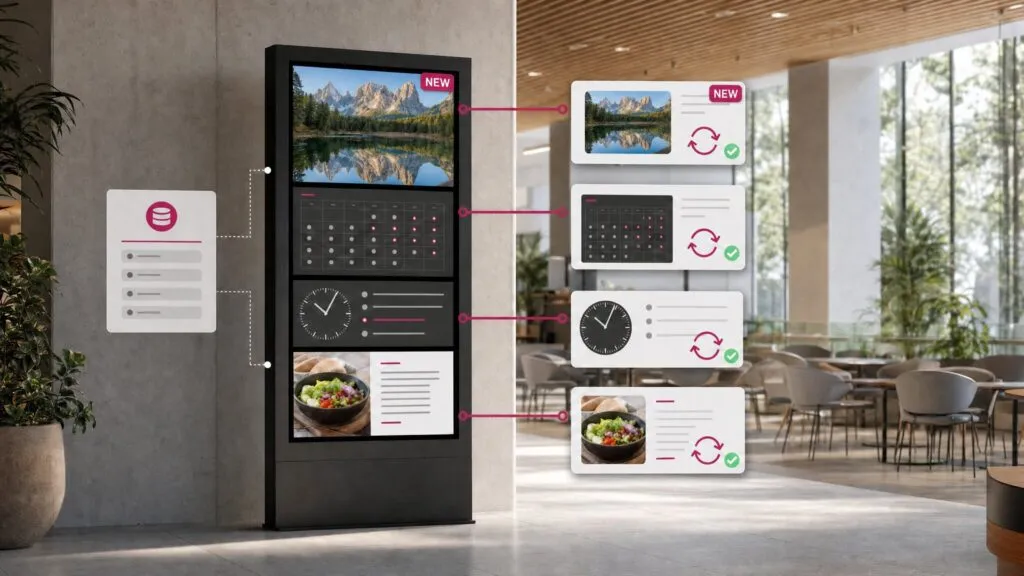
The home screen can be divided into multiple zones — each with its own data source. For example, one zone displays events while another shows news, completely independently of each other. The content updates automatically: images, videos and PDFs rotate sequentially through the zone. This keeps the home screen fresh without requiring anyone to manually update it.
Information is accessible interactively
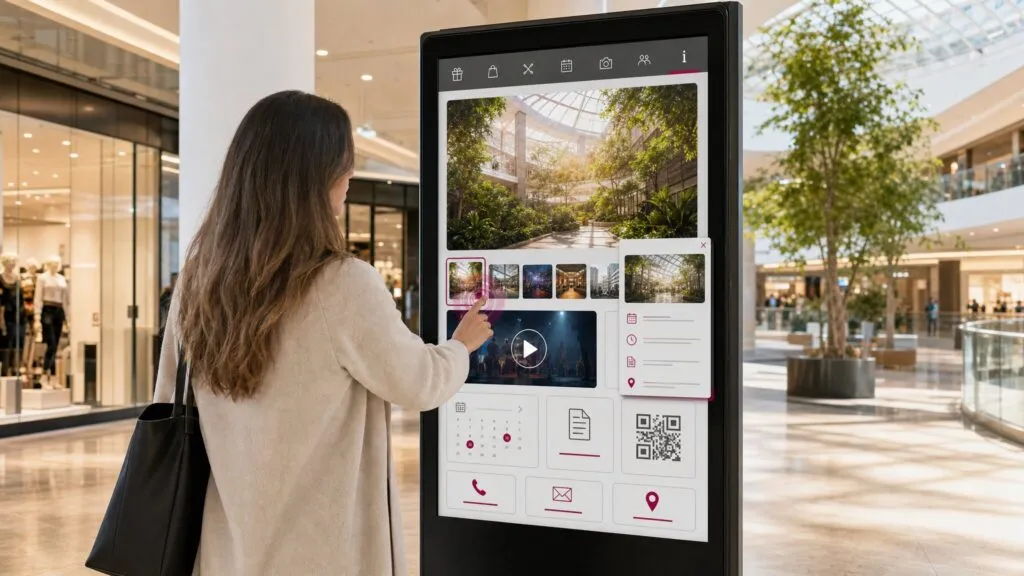
Users tap an entry in the list to open it and see the detailed view right next to it, without having to switch between views. Videos can be displayed in full screen. If a board is not used for a certain period of time, it automatically returns to the home screen — which is convenient for publicly accessible displays where multiple people interact with it one after another.
Display content specifically for each screen
Use tags to control which entries appear on which screen. For example, an offer tagged “North Location” will automatically appear only on boards that have that tag. This is ideal for companies with multiple branches or departments.
Direct integration of content
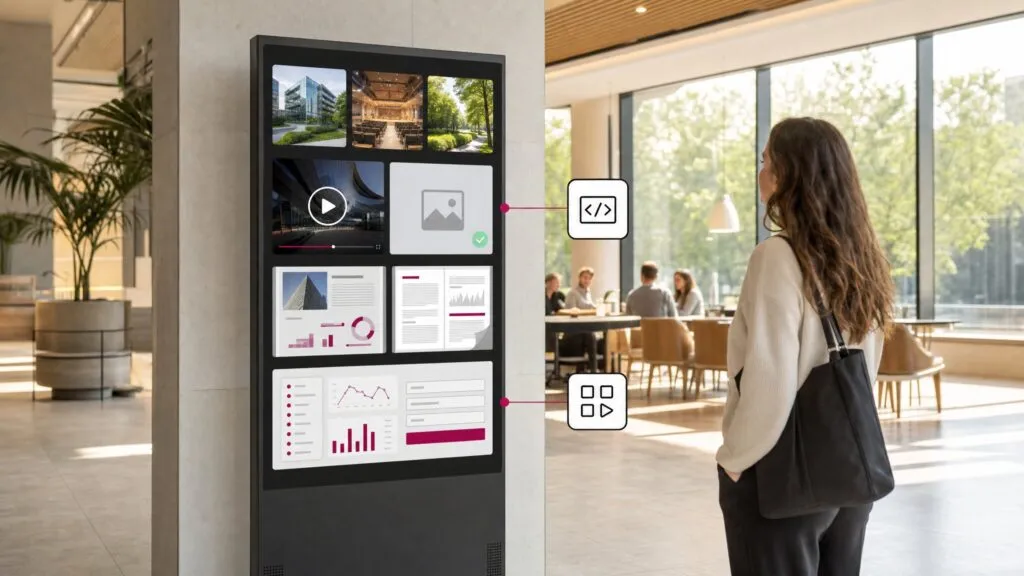
Whether it’s an image gallery, video, PDF or an entire webpage — a Digital Blackboard directly integrates media and web content. Intranet pages, dashboards or forms can therefore be displayed without the need for an additional device. If an entry is missing an image or video, the board displays a clean placeholder instead of a gap.
Products
Learn about our hardware solutions
FAQ
Frequently asked questions about our solutions.
Our software is hosted in the cloud to enhance reliability and ensure 24/7 continuous operation. In addition, our digital signage solutions comply with GDPR requirements. You can find more information about that here.
A digital bulletin board refers to the general use case for internal communication. Digital Blackboard is the specific software module behind it: It connects your board directly to the FRAMR Data Manager and enhances it with zones, menu navigation, tag filtering and interactive detail views. You can find a general overview of its use case on our digital bulletin board page.
All content comes from the FRAMR Data Manager, the central data management system in the FRAMR. Cockpit. There, you create entries, categories and media once; the Digital Blackboard automatically displays them in a structured format, including real-time updates.
There is a default template for the Digital Blackboard that is loaded when you add the module to the playlist. However, this template needs to be customized. You can find help with content creation on our Help Desk: help.framr.tv
Yes. You use tags to control which content appears on which board. This allows you to maintain a shared database, while each location automatically displays only the content that is relevant to it.
The module requires at least software version 95 and firmware 6.0.0 on the FRAMR. Player. Content is loaded via the FRAMR. Data Connector; a refresh interval can be configured directly in the player.
Would you like a clear assessment of how you can use digital signage?
No sales pitch, just an assessment: What are your goals, what does your current setup look like and what are the challenges? Based on our experience from numerous projects, we’ll tell you — with no obligation — what makes sense for your specific use case.

Lukas Aumair
CEO & sales

Pascal Kreilhuber
Sales

Clemens Stübler
Sales

Michael Thalmann
Sales