
FRAMR. Data Manager: One data source for all displays
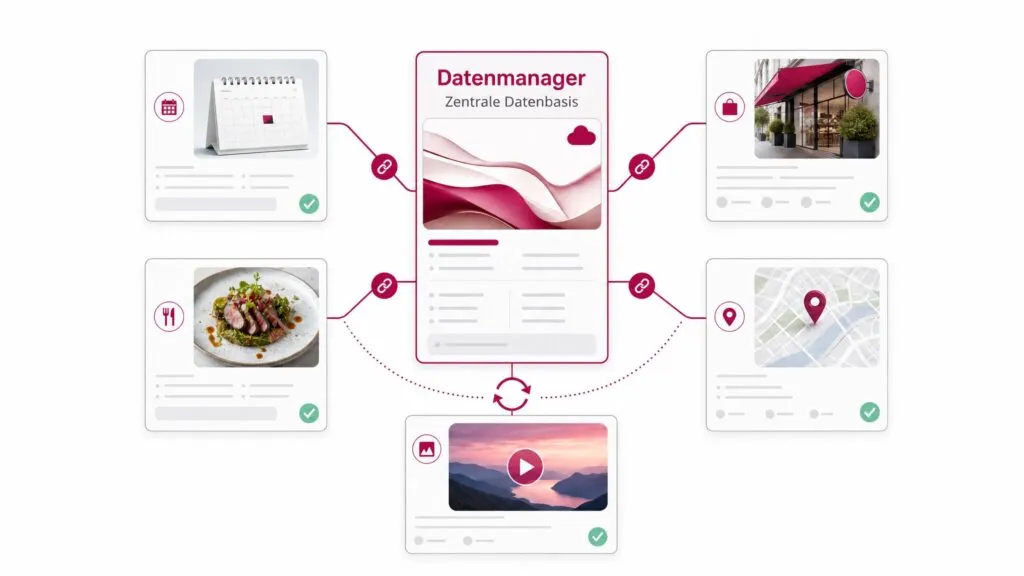
Data Manager is the CMS for digital signage systems developed by FRAMR. It centrally manages structured content, media, relationships, menus, map links, languages, permissions and sorting logic – and makes this data available for use in digital signage. This is a feature that no other digital signage system offers.
What is the FRAMR. Data Manager?
The FRAMR. Data Manager is the central content and structure management system for data-driven FRAMR. modules such as Directory, Digital Blackboard, terminal views and interactive information systems. The application functions like a CMS.
It’s comparable to WordPress for websites. The application allows you to manage content directly in the backend.
FRAMR. Data Manager: Features at a glance
One solution for all displays
You create custom data models for your specific use case and maintain the entries in one place. From there, they automatically flow into modules without the need to maintain duplicate entries. Each entry can also be assigned a start or end date and sorted by priority. There is no limit to the number of data models and entries.
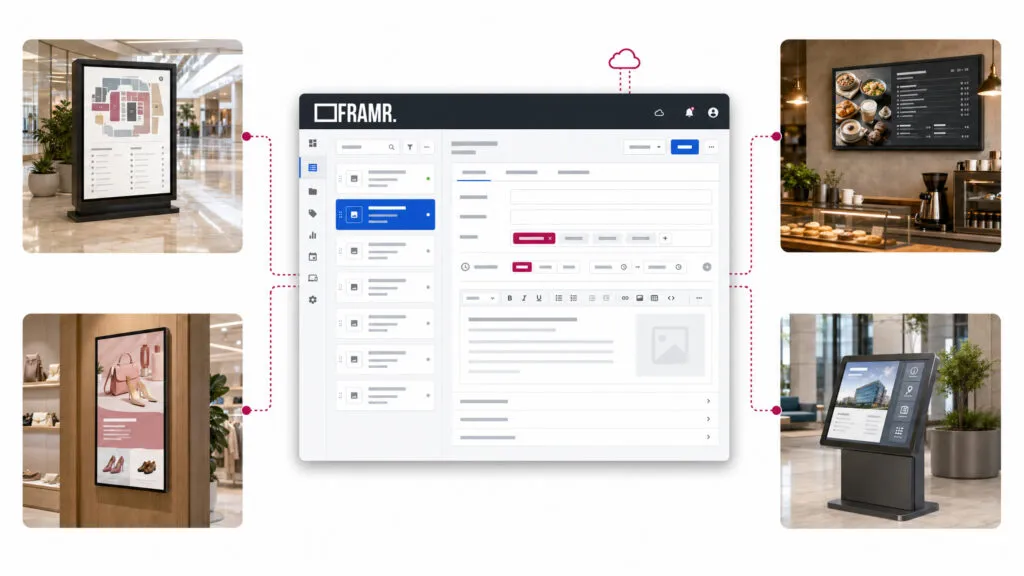
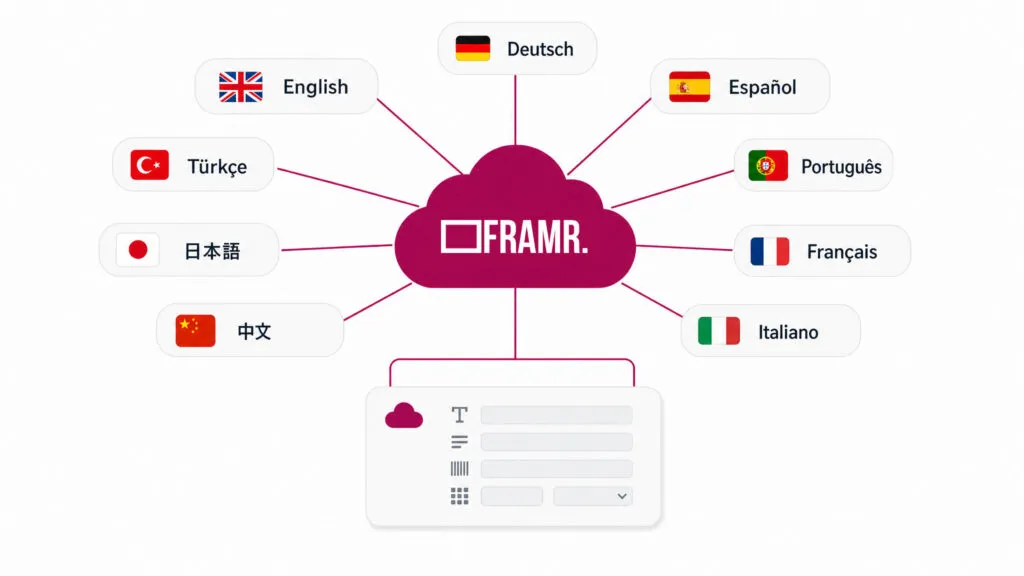
Consistent multilingual support – from the user interface to the data
FRAMR. is available in 9 languages. But the Data Manager goes one step further: You can also maintain the content itself in any language, switching between languages directly in the editor. Each player automatically displays the appropriate version, without the need for separate language databases.
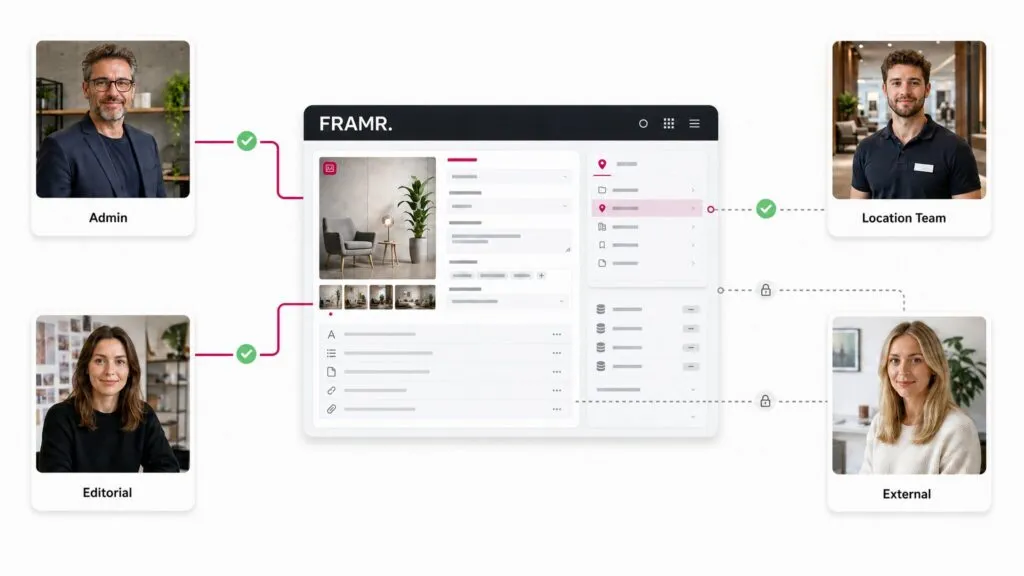
Maintaining rights while collaborating
Not everyone on the team should be able to edit every data model. The Data Manager can be secured down to the model level: Some teams are granted read-only access, while others are authorized to edit specific models. This ensures that data ownership remains where it belongs — even when multiple departments are working simultaneously in the same area of the FRAMR. Cockpit.
The common foundation for directory and digital blackboard
The Data Manager is not an isolated tool, but rather the data foundation behind several FRAMR. modules. Through a structured interface, it delivers models, entries and relationships to Directory, Digital Blackboard and other data-driven front ends.
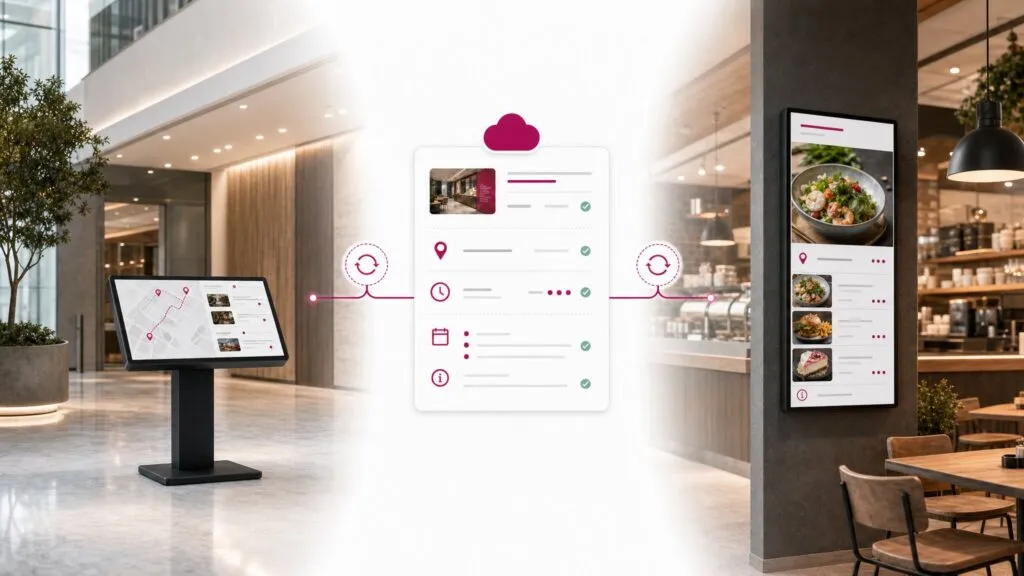
Related content
Entries can be linked to one another — for example, an event to its associated program or a store to relevant offers. For wayfinding systems, this includes linking to locations and map areas: An entry points directly to a POI or an area on the map. The FRAMR. map editor is also built on this foundation.
Targeted filtering instead of showing everything
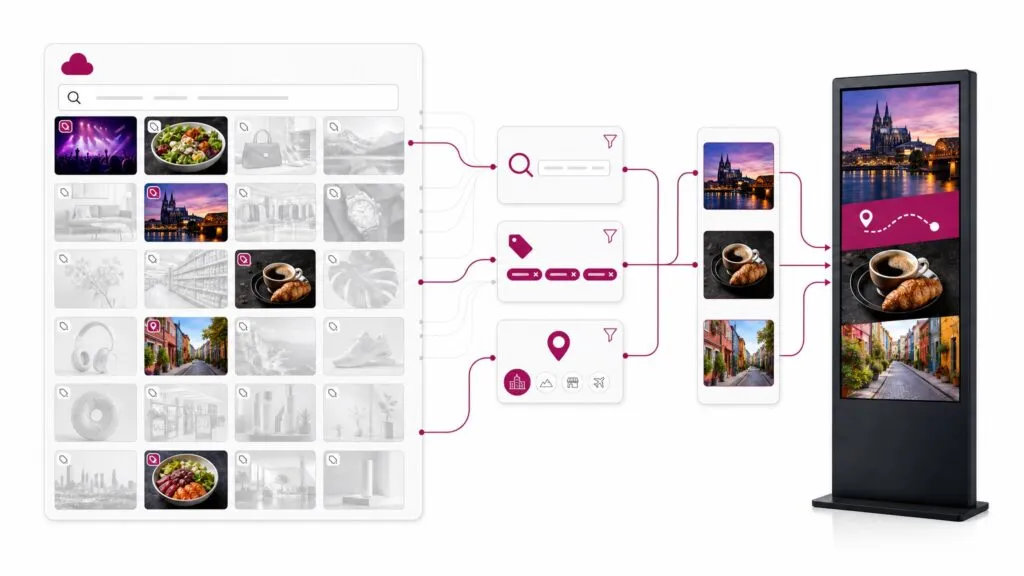
Tags can optionally ensure that content appears only at specific locations. In addition, there is a local search across all entries, which forms the basis for the search function in the Directory module — meaning that even in the Directory, a permanent internet connection is not required.
Media and rich text without any hassle
Images, image galleries, videos and files can be attached directly to posts. You can format text in a full-featured rich-text editor that includes tables, links and the ability to paste from Word.
Interfaces to existing data sources
The data manager can be populated via customer-specific interfaces. For example, it’s possible to transfer data from an existing digital signage system or from websites.
FAQ
Frequently asked questions about our solutions.
Our software is hosted in the cloud to enhance reliability and ensure 24/7 continuous operation. In addition, our digital signage solutions comply with GDPR requirements. You can find more information here.
Not necessarily. The basic modules are sufficient for simple content. The Data Manager is worth it as soon as you have structured, recurring content that needs to appear in multiple places (Directory, Digital Blackboard and more), you want to work with content templates or multiple people are maintaining the same data.
No. That is exactly what the Data Manager is designed to prevent: A single data pool can simultaneously feed the Directory, Digital Blackboard and other modules. This means you can, for example, populate and manage different Directory modules — each with its own logo and color scheme — using the same data.
Permissions can even be assigned on a per-data-model basis. Some teams can edit data, while others have read-only access. This allows for clear assignment of data ownership, even within larger organizations.
Yes, that’s possible using an import script.
Generally speaking, this feature is not available in the Data Manager. However, we can make it available upon request.
Would you like a clear assessment of how you can use digital signage?
No sales pitch, just an assessment: What are your goals, what does your current setup look like and what are the challenges? Based on our experience from numerous projects, we’ll tell you — with no obligation — what makes sense for your specific use case.

Lukas Aumair
CEO & sales

Pascal Kreilhuber
Sales

Clemens Stübler
Sales

Michael Thalmann
Sales